Welcome to Think4Ever
Your journey to a more productive workspace starts here. Let's get you set up.
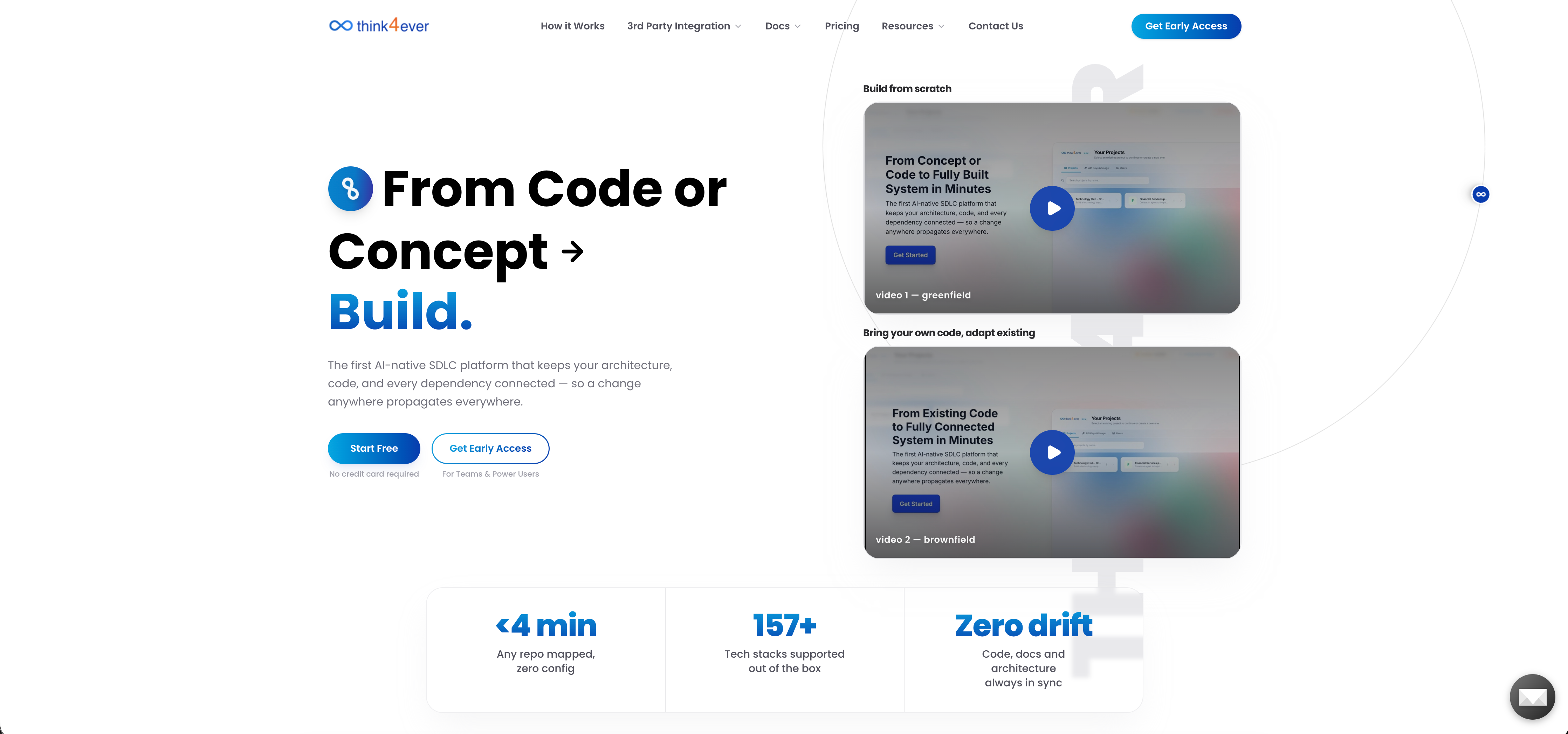
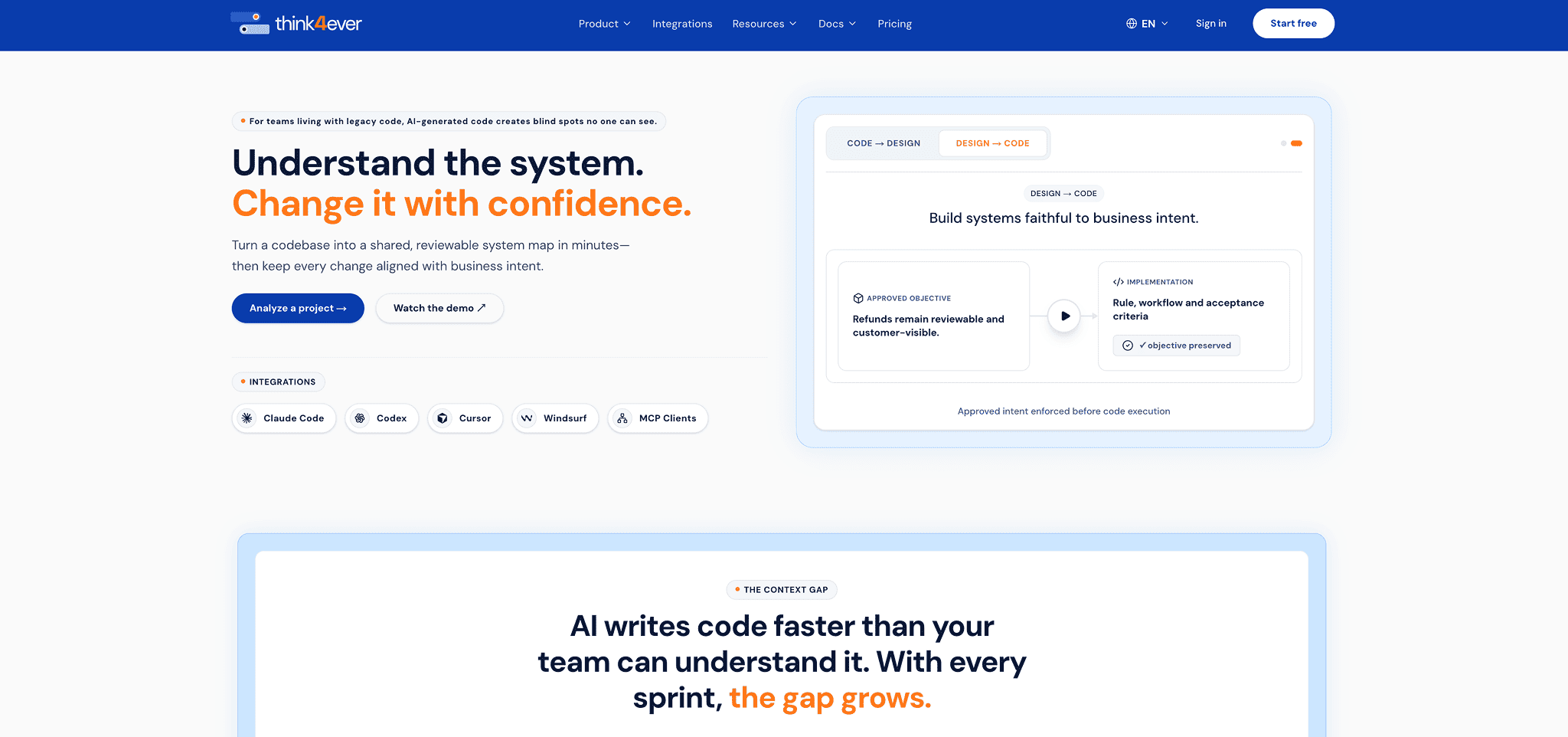
Landing Page
Welcome to Think4Ever platform, an intelligent software development platform
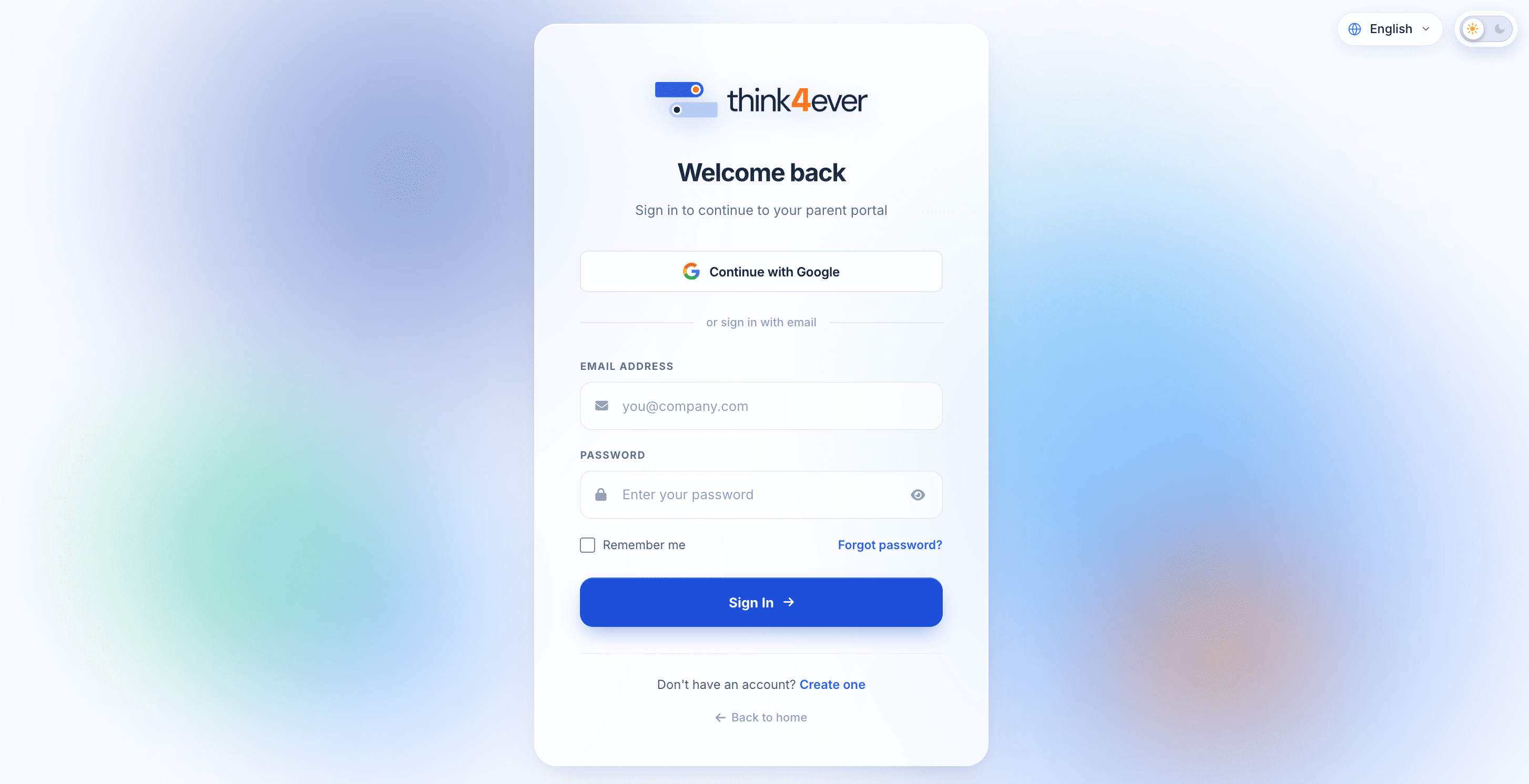
Create Account
Create your account to get started with Think4Ever.
Get Started
Click on 'Get started' button from the landing page.
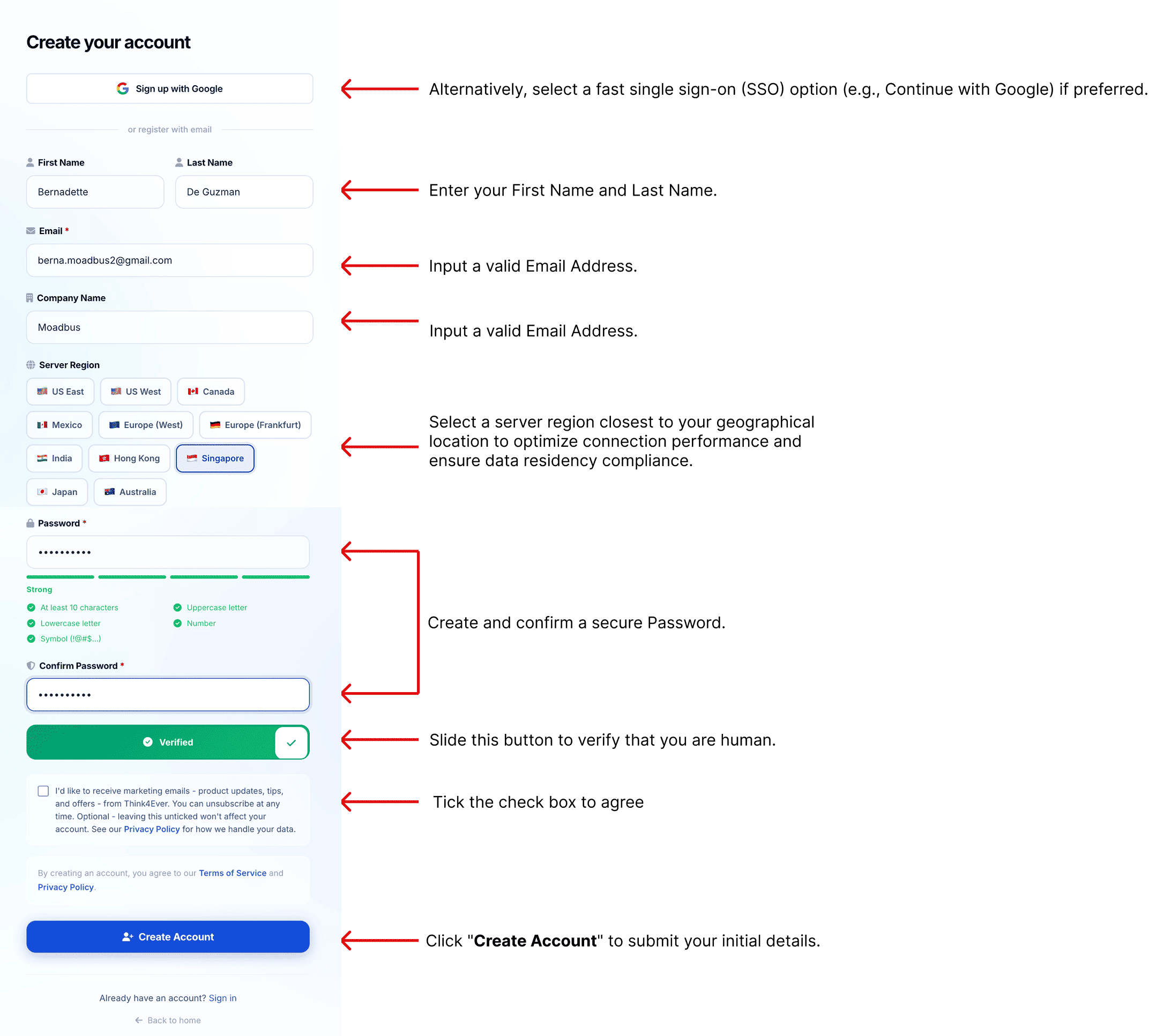
Fill up the form
Enter your personal details to create your account on the platform. Use a strong, unique password for security.
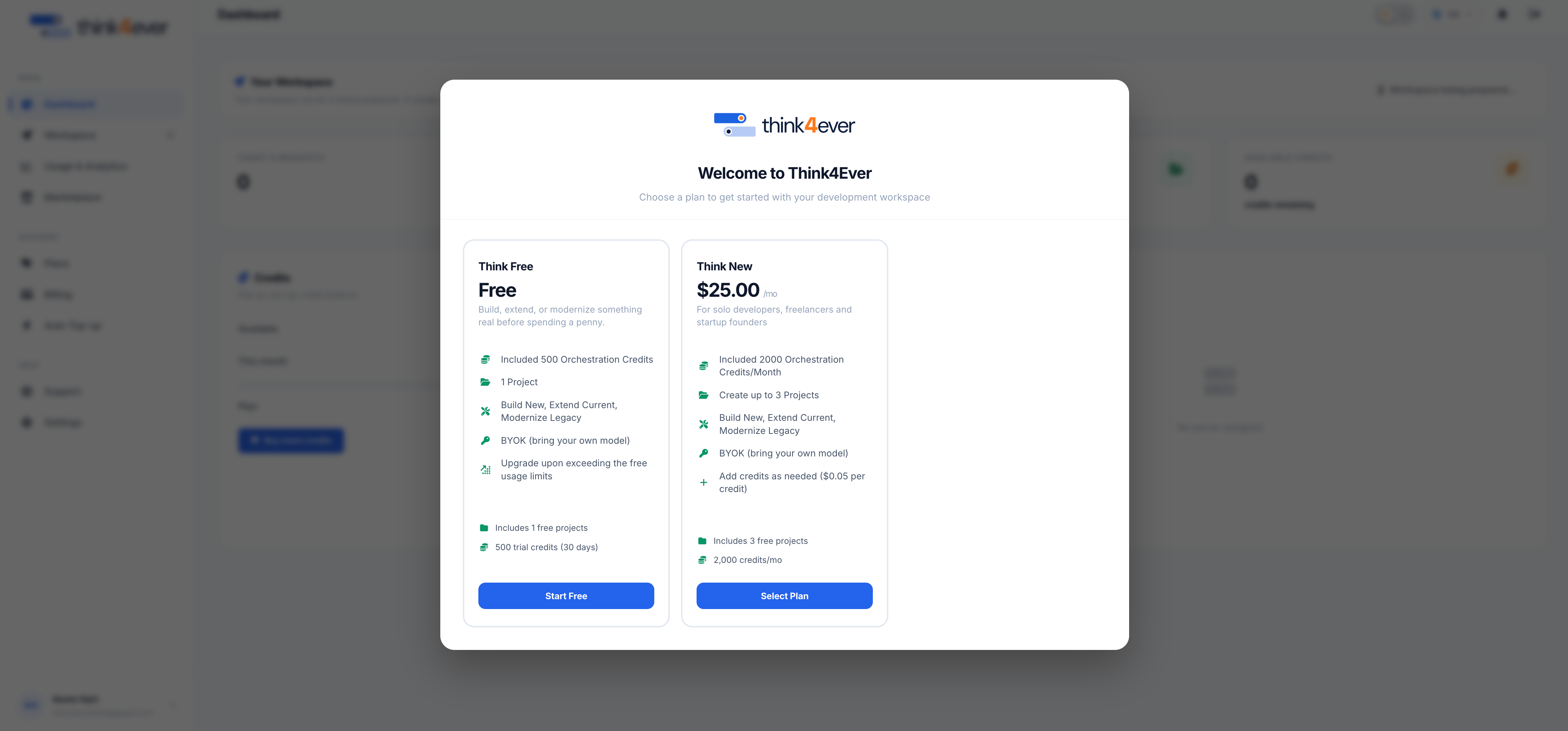
Select a plan
Choose the plan that best fits your needs.
Add card details
Enter your credit card details.
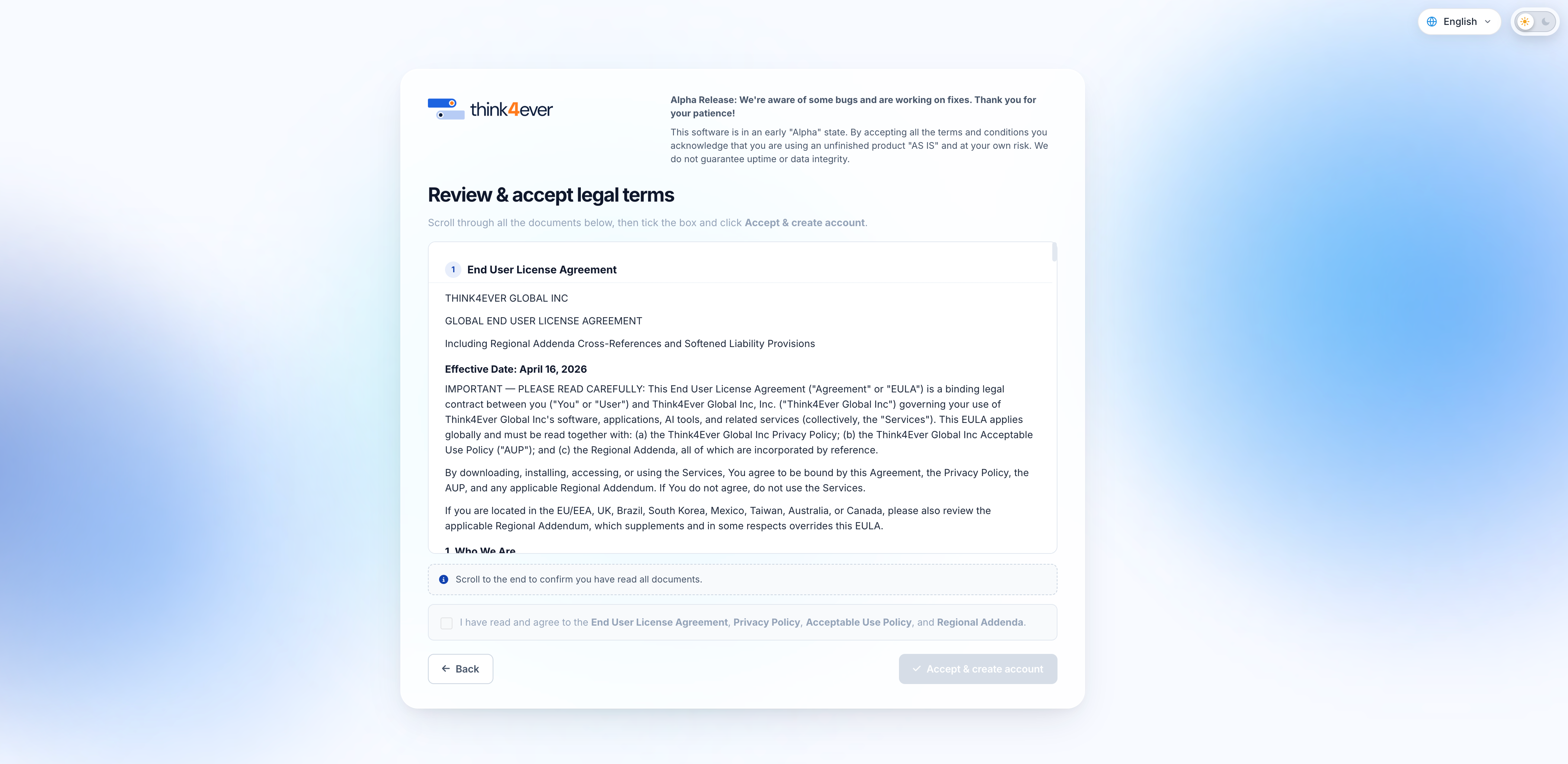
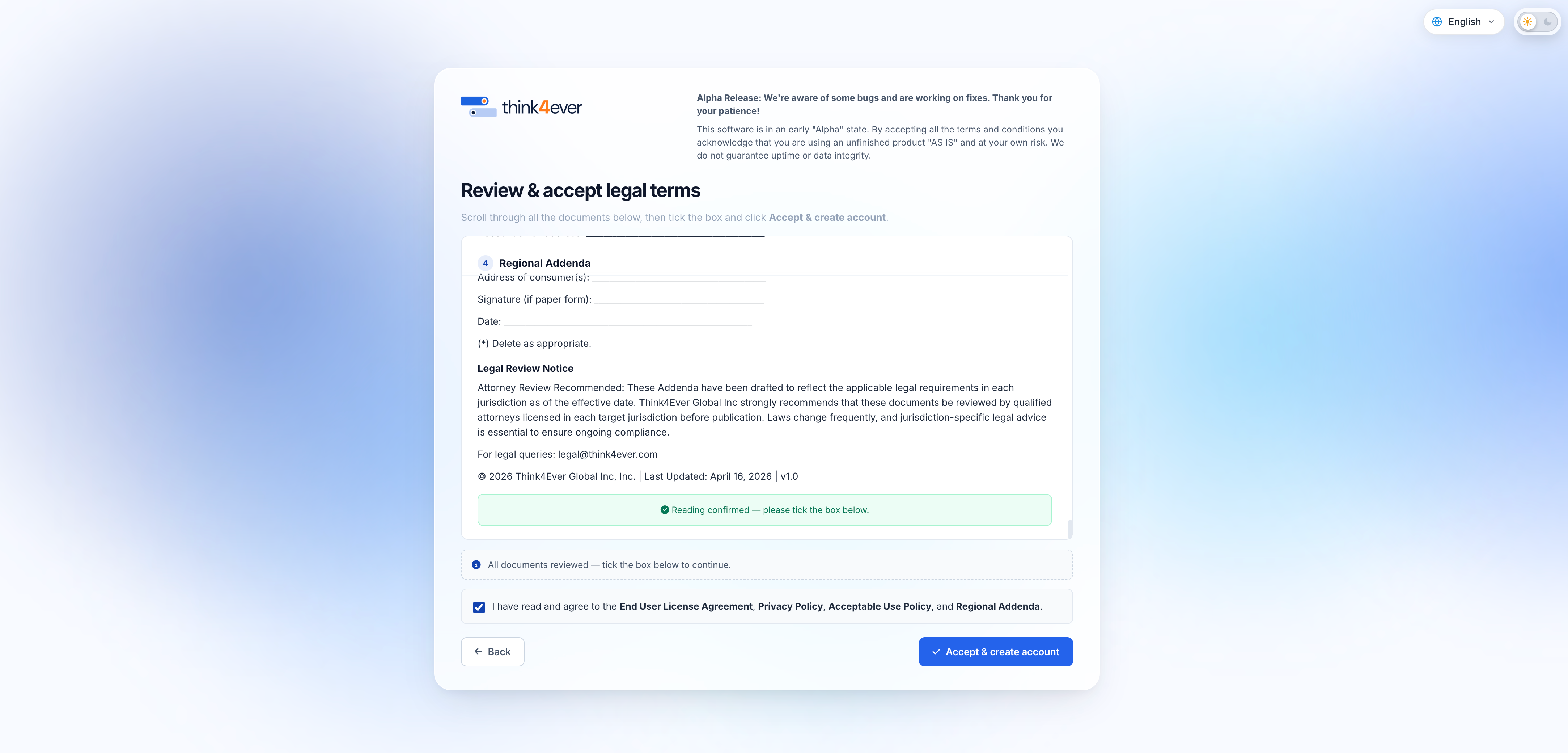
Terms and Conditions:
You agree that Think4Ever will charge your card in the amount above now and on a recurring monthly basis until you cancel in accordance with our terms, including by exercising your right to cancel your subscription within 14 days from the date of subscription. You can cancel at any time in your account settings.
All set
Once Account creation is successful you will see the below screen and you can start working in the platform.
Create your first project
Add a project to organize your work, tasks, and team resources efficiently.
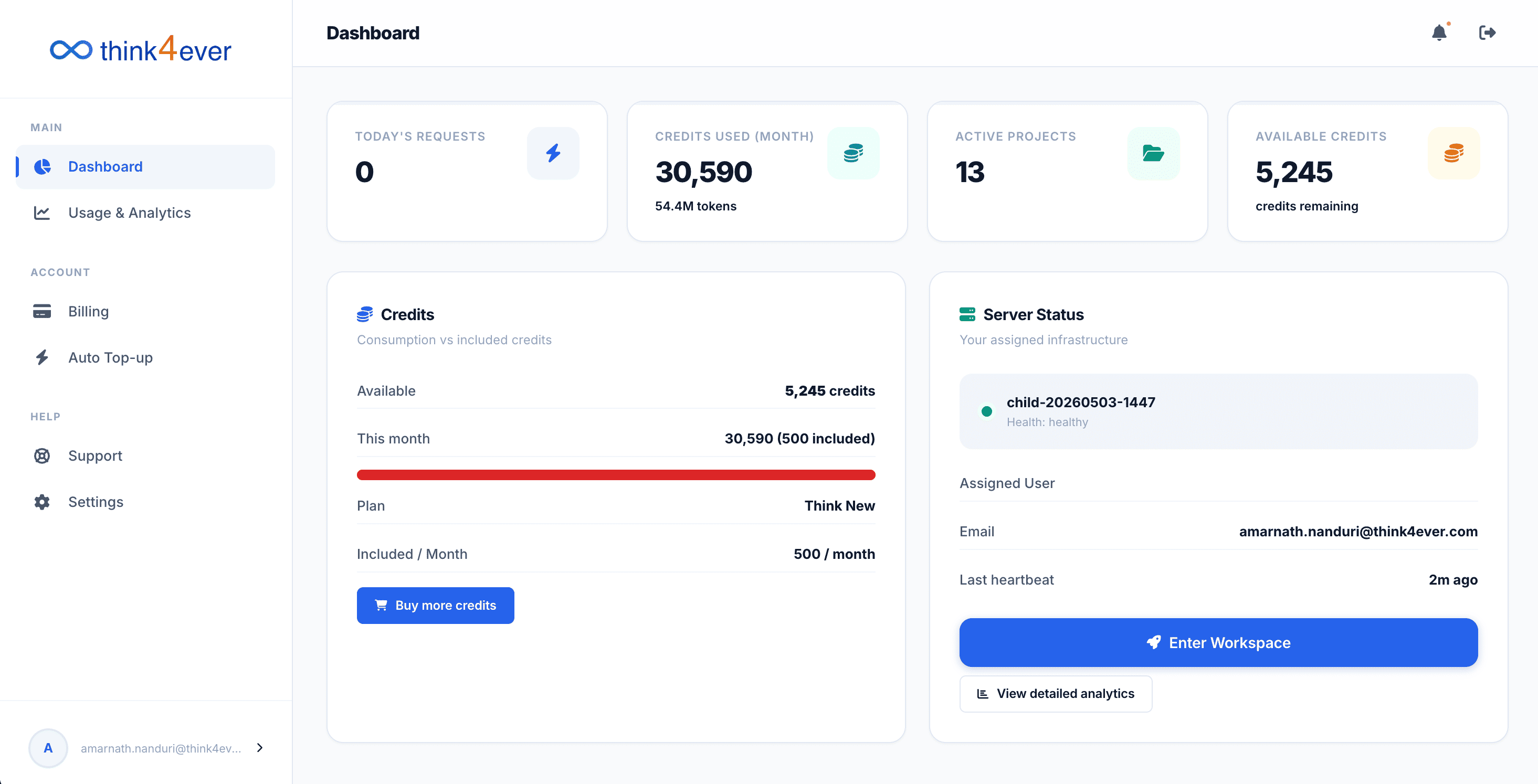
Go to workspace
From your dashboard click on 'Enter Workspace'
Create new project
From top right corner click on 'Create a new project'
Project details
Fill up the required information to create a new project.
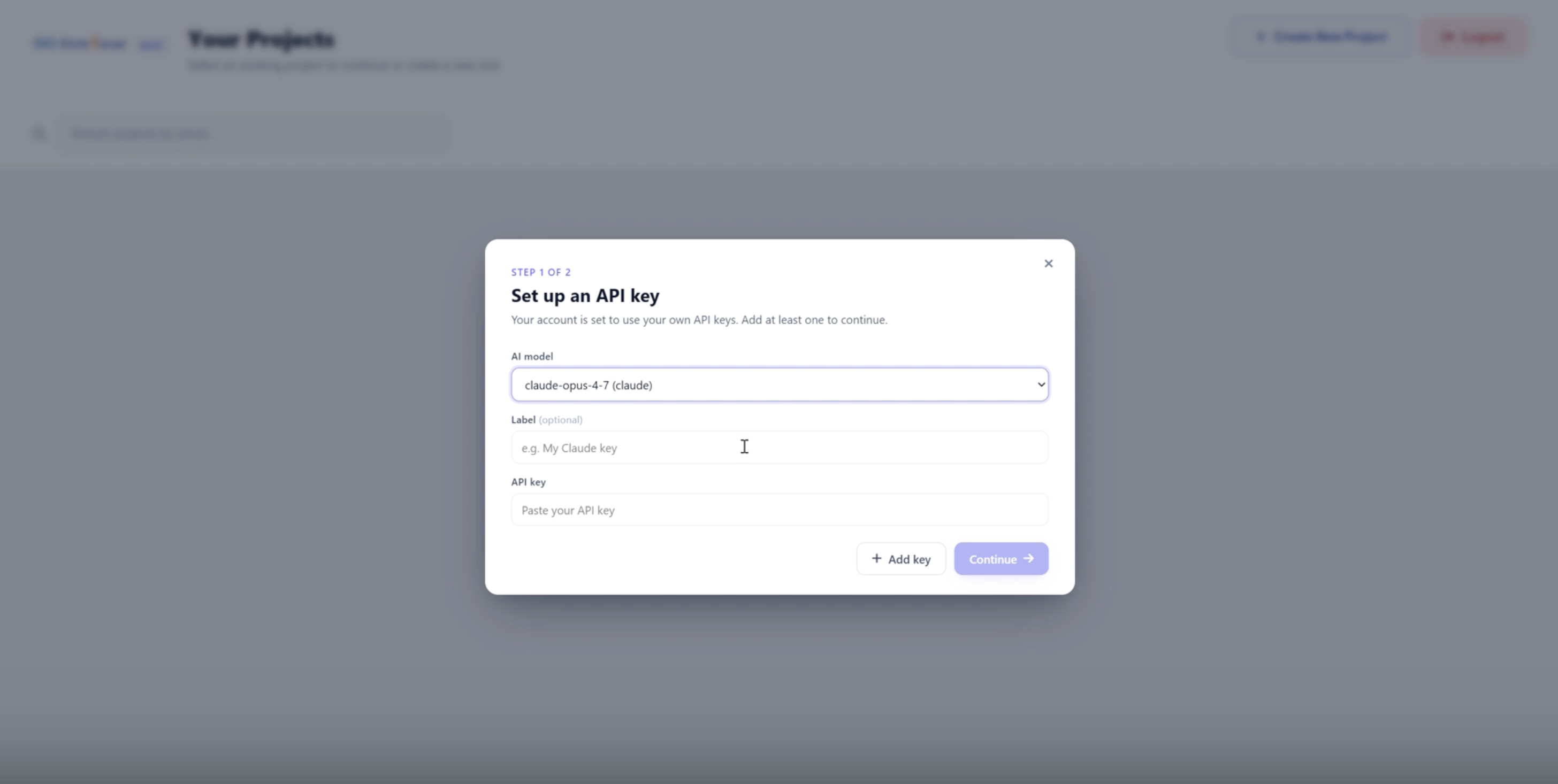
Add API Key
This is a BYOD model. We support LLMs from different providers. Select the LLM and provide the Keys that you have registered with the external LLM providers. You can enter multiple Keys. We recommend that you provide at least 2 keys from different LLM providers. All your information is stored securely in your workspace and inaccessible for anyone else, including Think4Ever.
Add your API key
API Keys from LLM providers like Anthropic, Google or Open AI are required
Add API Key
You need to add API key to move forward. Copy your API key from the developer settings and paste it here.
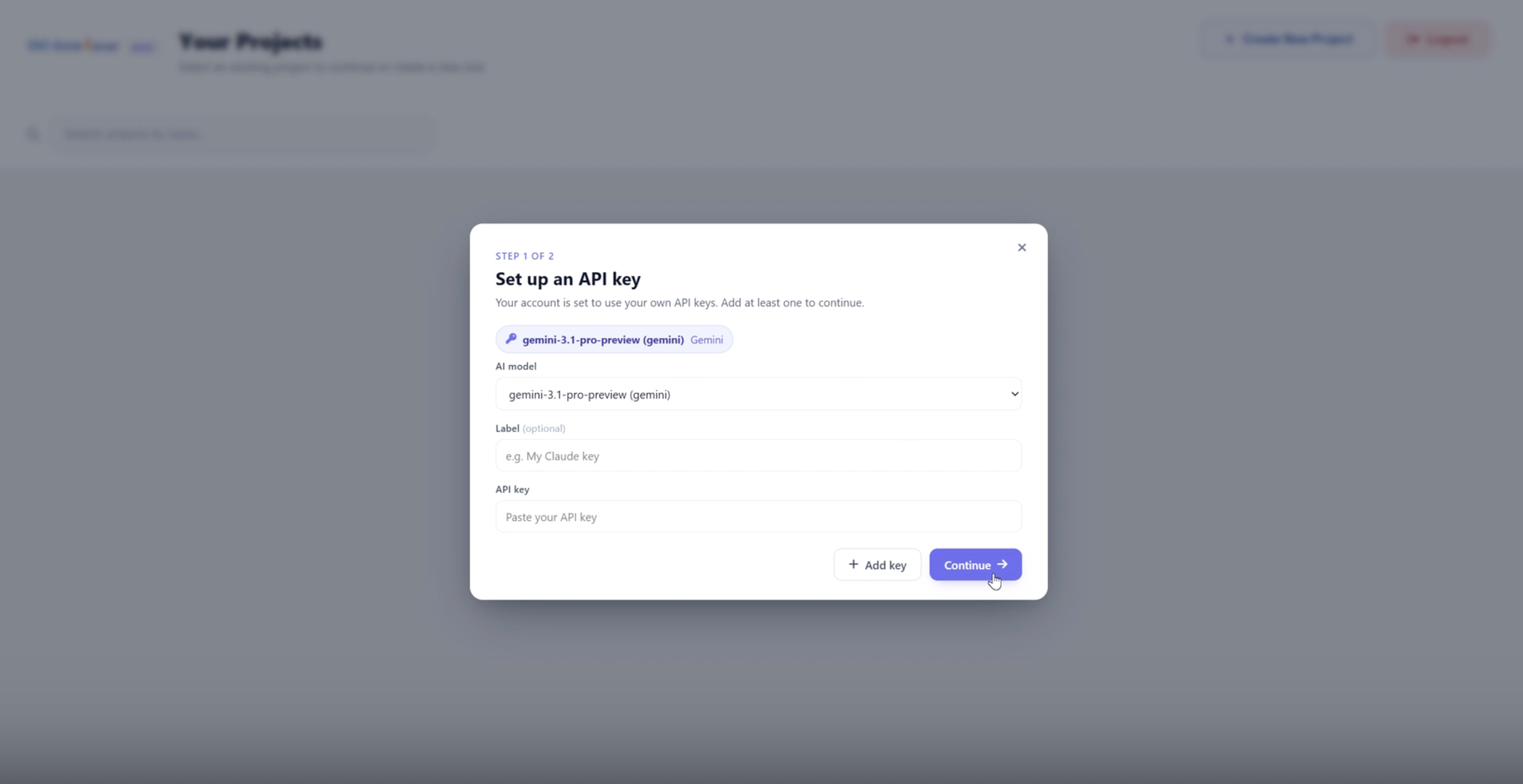
Add Multiple API Key
You can add multiple API Keys to your project. We recommend that you provide at least 2 keys from different LLM providers. All your information is stored securely in your workspace and inaccessible for anyone else, including Think4Ever. This is a BYOD model. We support LLMs from different providers. Select the LLM and provide the Keys that you have registered with the external LLM providers.
Build and Launch
Build out your workspace with automation, custom workflows, and integrations.
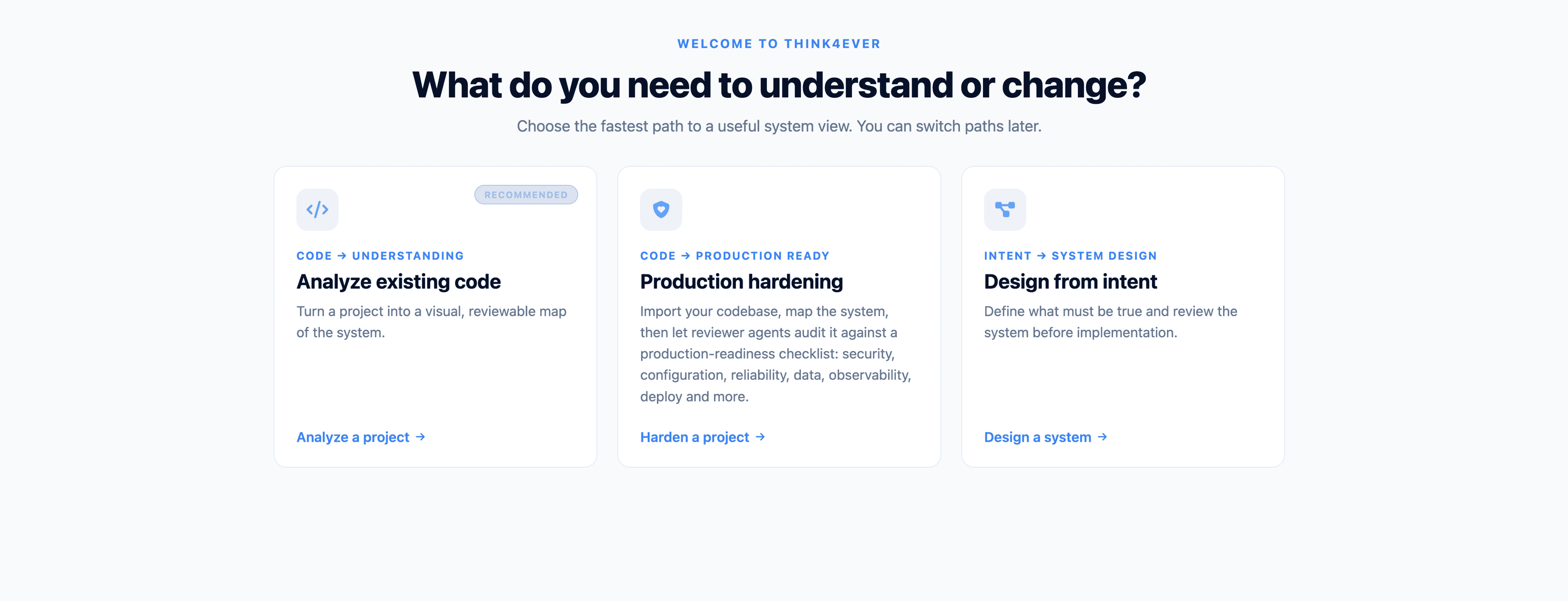
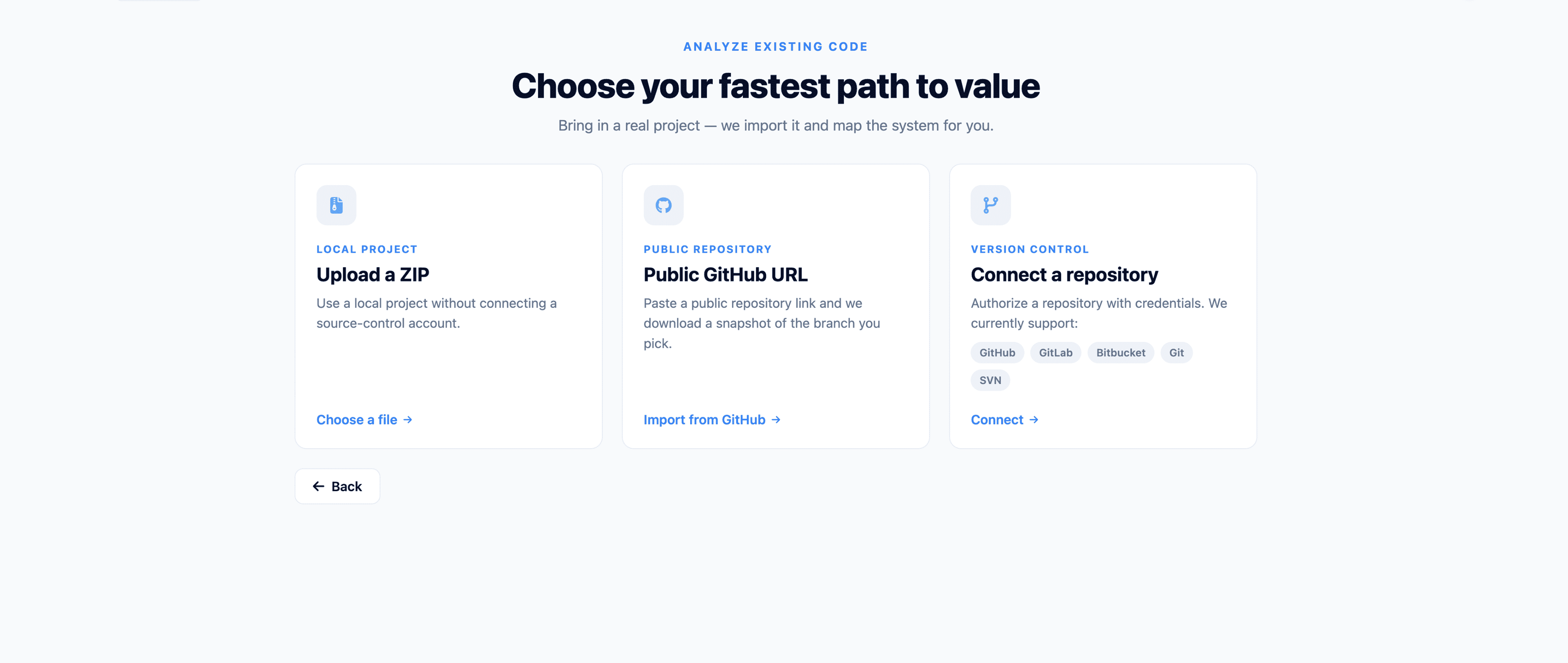
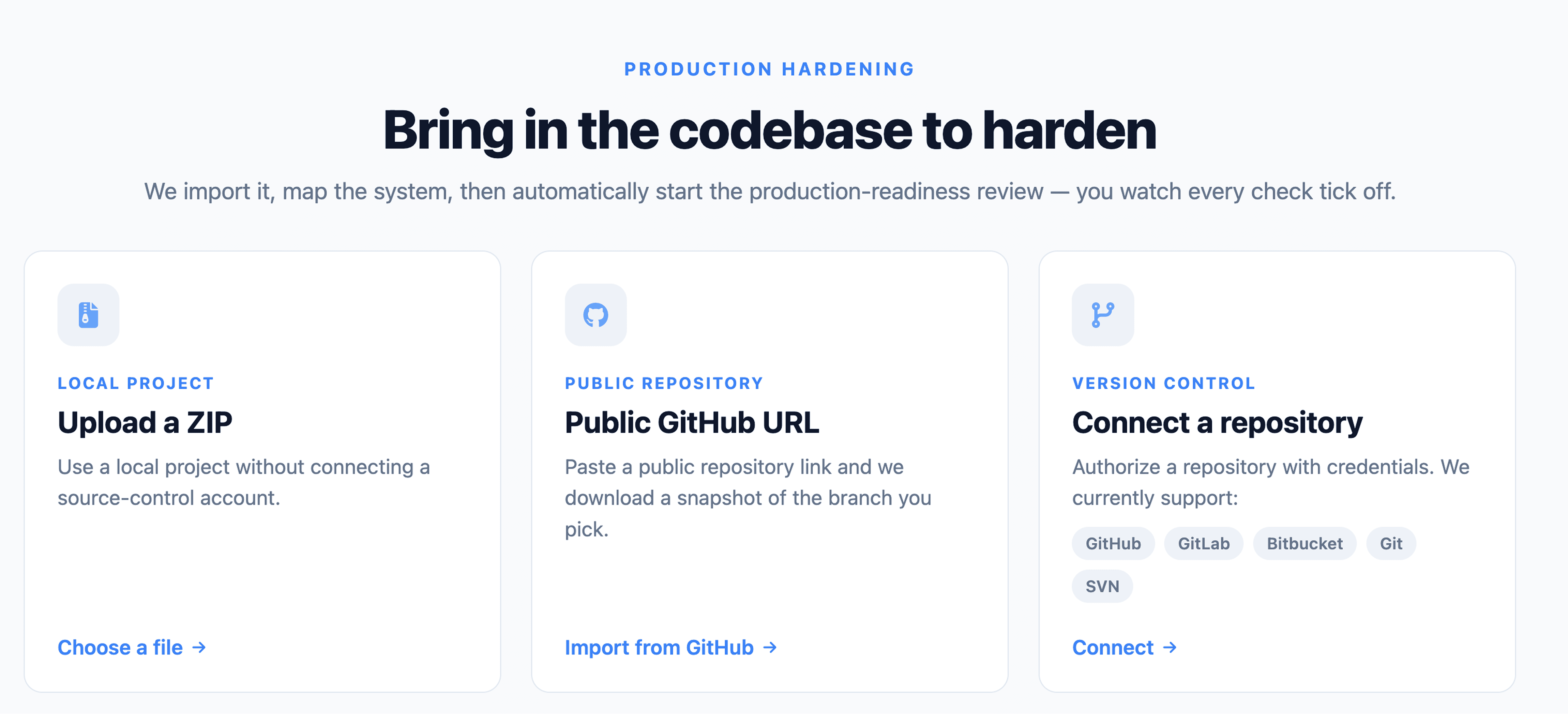
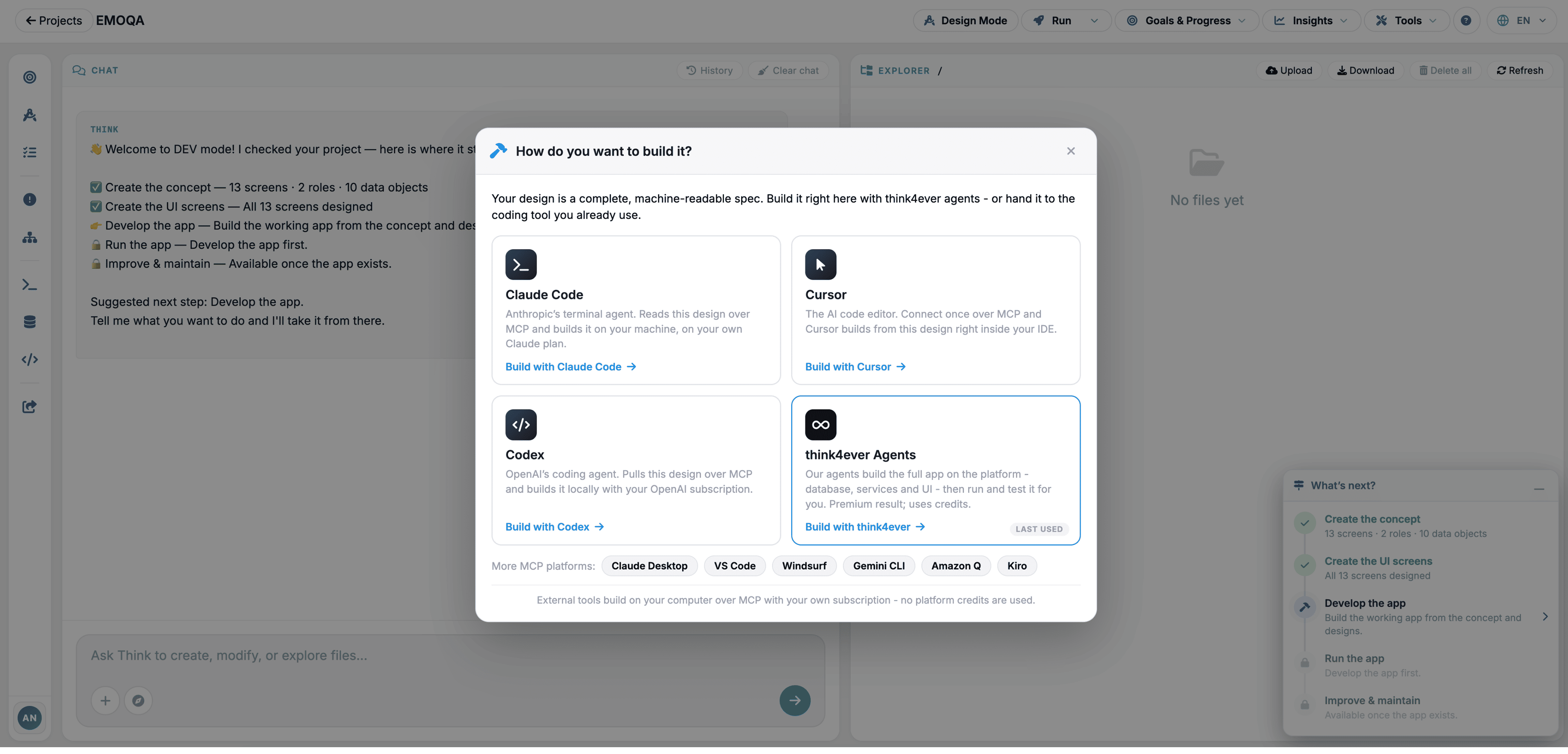
Project type
You can define your project type or how actually you would like to start building. You can start by creating a brand new project (or) refactor existing projects by importing an existing project into the workspace.
Choose stack
Based on your project type, you can choose the stack or let the platform handle.
Choose mode
You can define the project mode based on your need. Whether you want to build the project manually or you want to let the platform handle it.
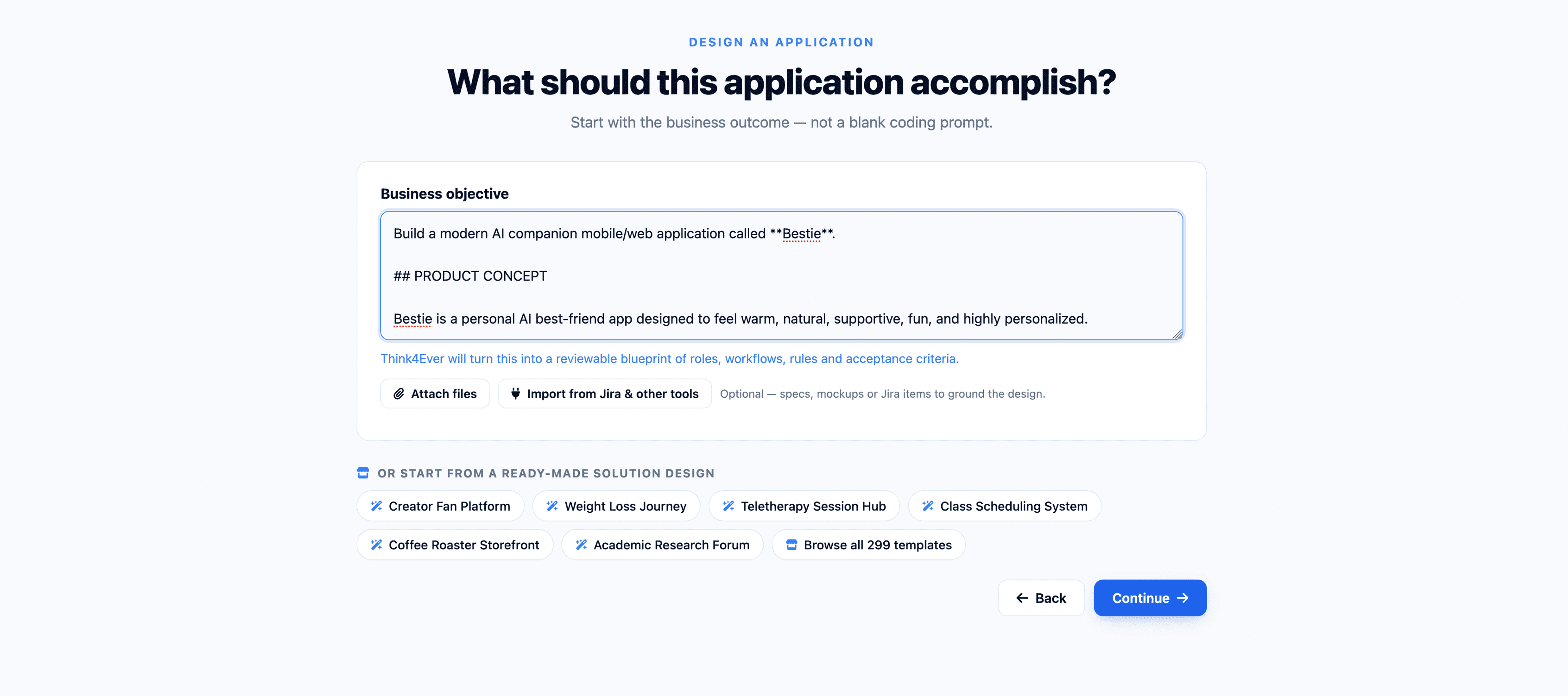
Write prompt
Based on your project type and mode, you can write the prompt to build the project.
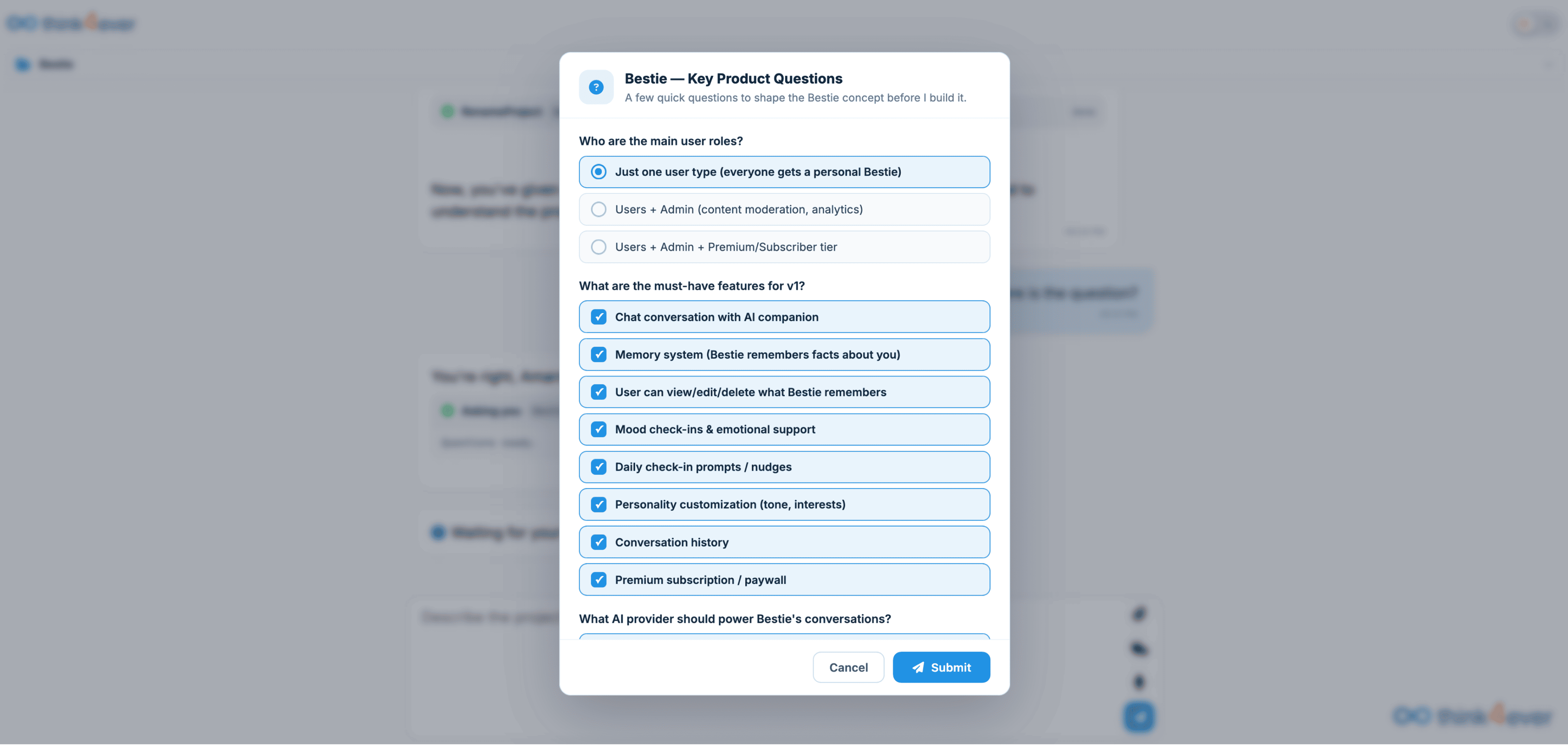
Answer Question
Platform will ask you quesiton based on your prompt. Answer them properly to procced
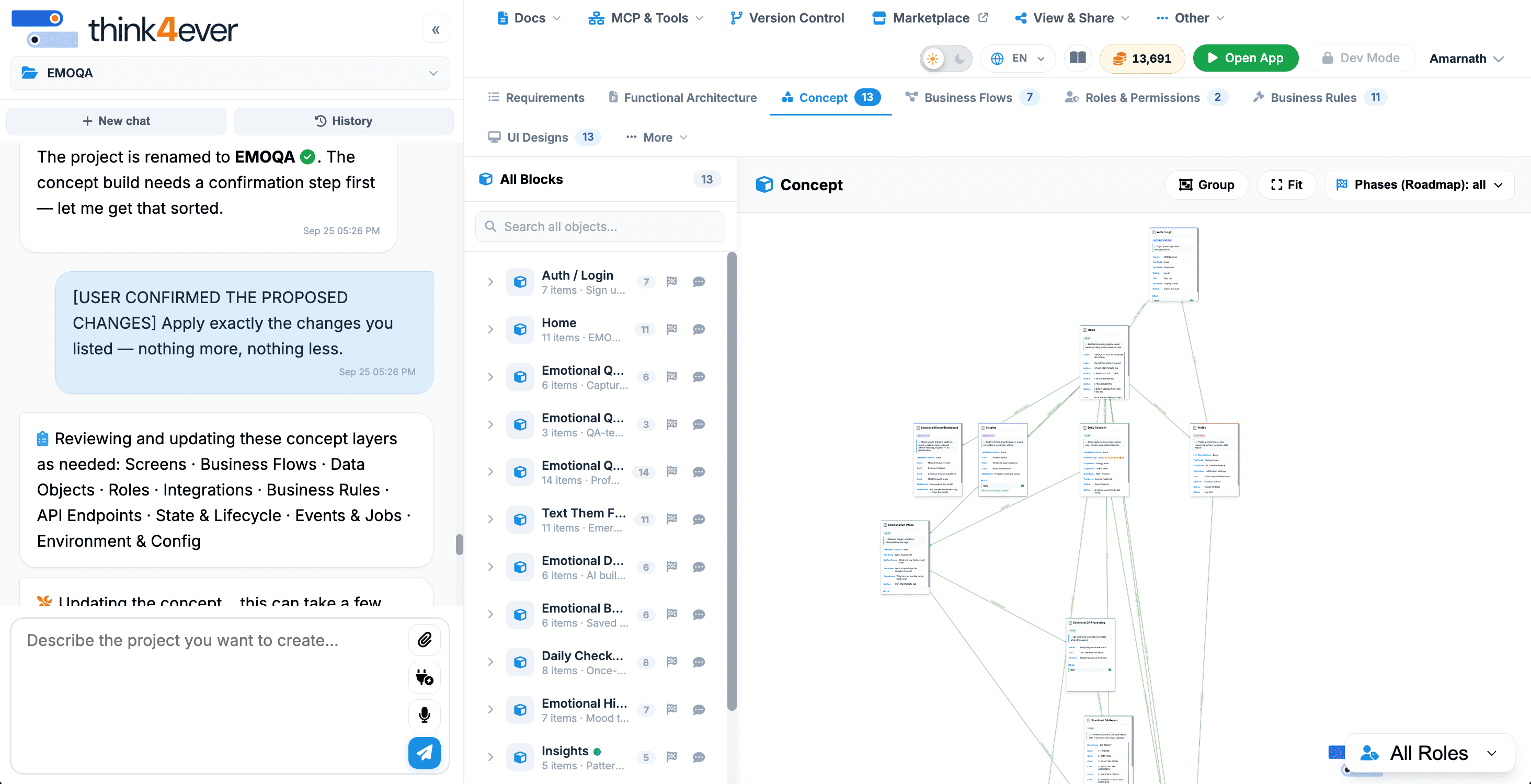
Project Tree
You can see the project tree to observe the project file and folder structure.
Analyze Structure
Open the analyze structure window by clicking on 'Structure' button from top menu.
Start Analyzing
After analyzing the project, platform will show the project structure in a canvas.
Structure Tree
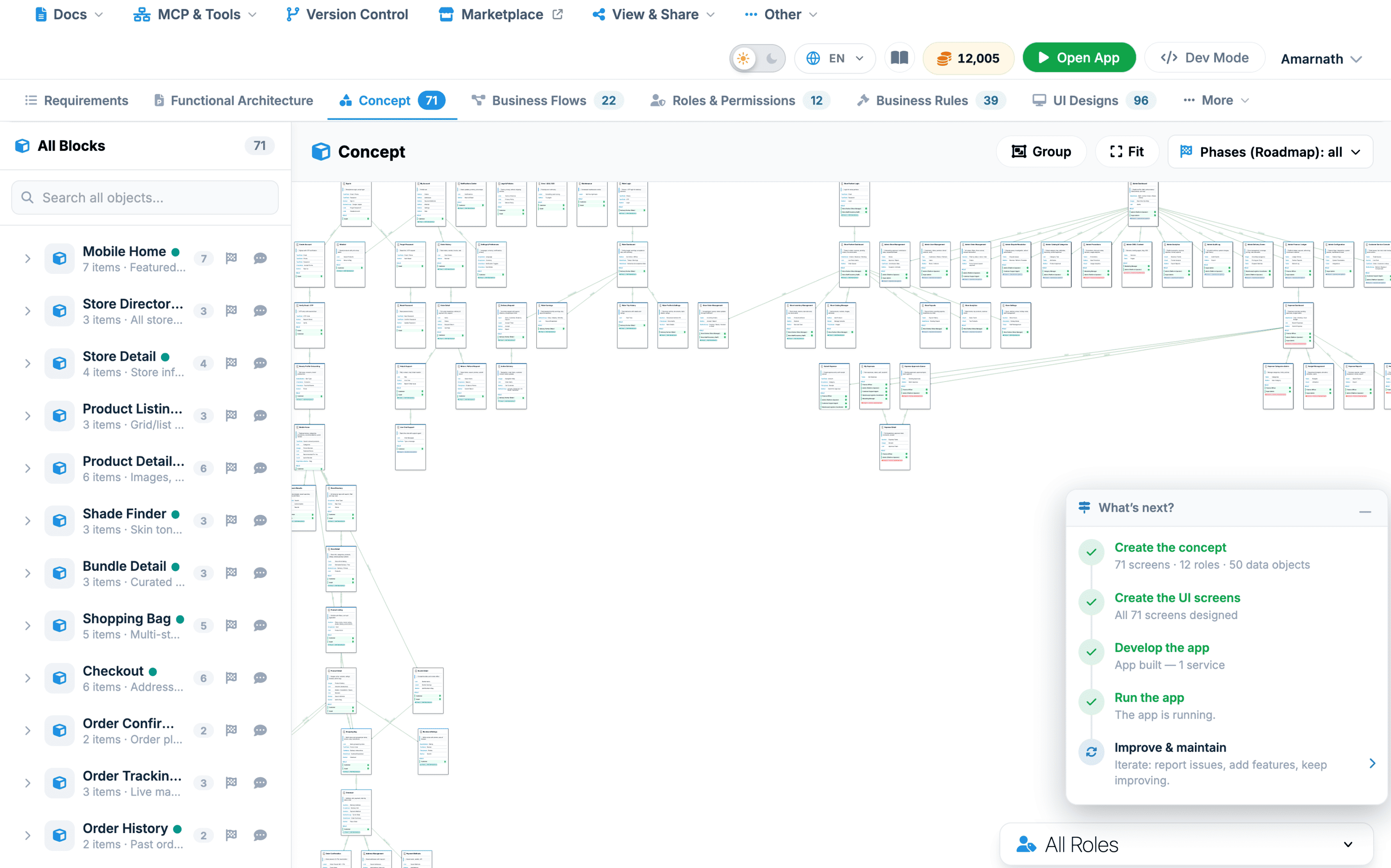
Platform will show you the project map based on the analyzed project structure.
Public Access
You can make the project public or private.
Enable Public Access
By enabling public access, you can make the project public and share it with others.
Start Services
In order to make the project publicly available you need to start/run the services
On Live
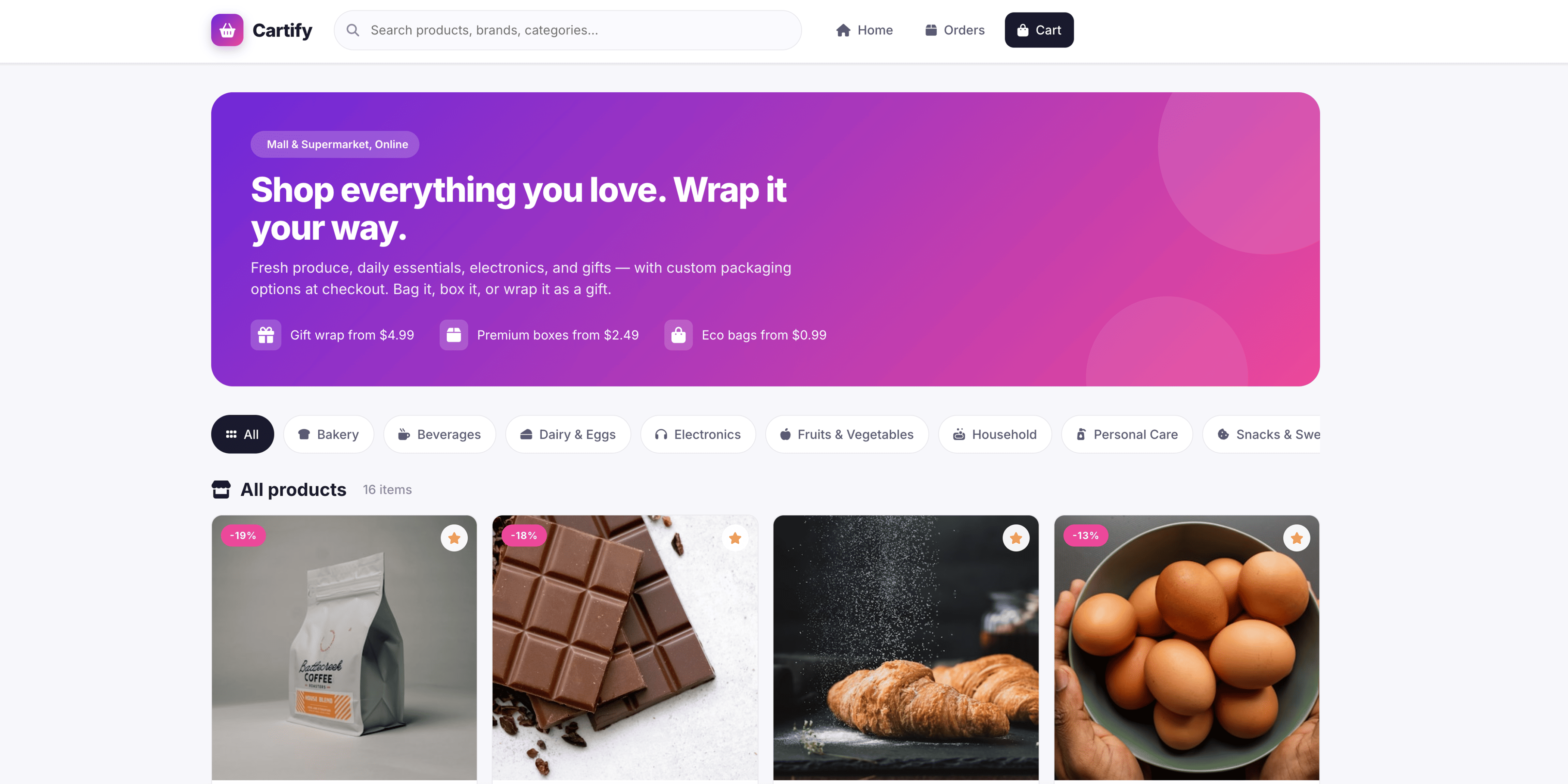
And Boom! Your project is now live and accessible to everyone.