AI Assistant Panel
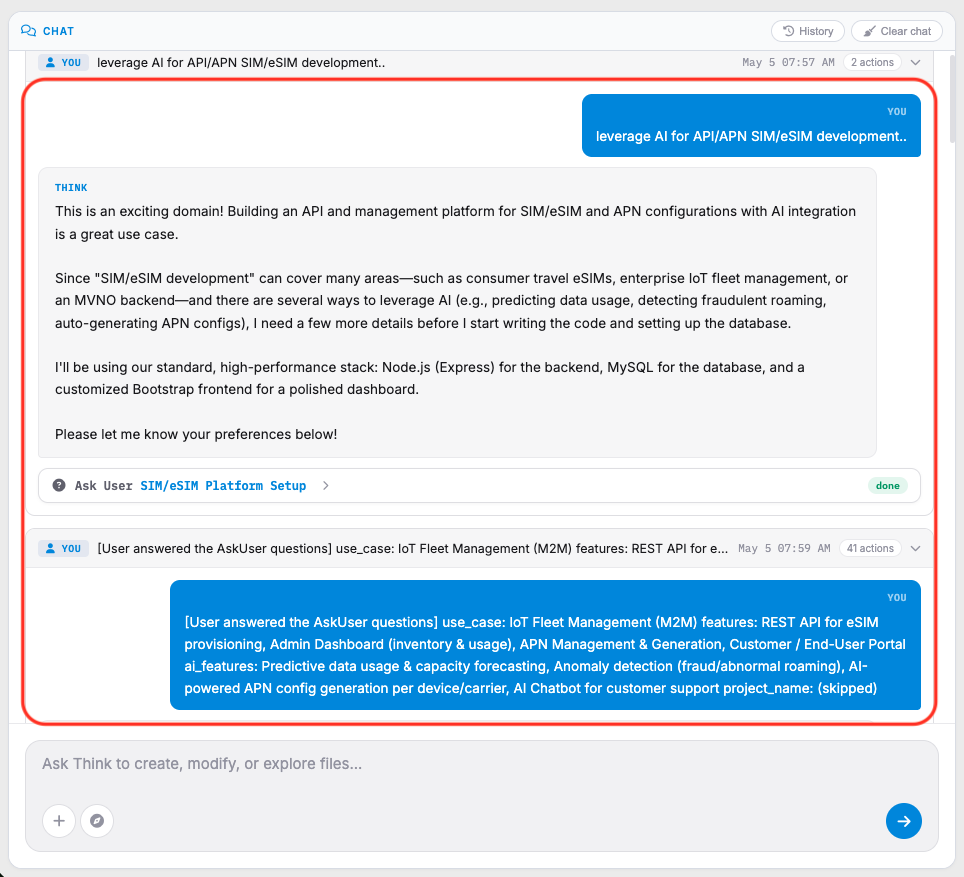
The left-side panel contains the integrated AI assistant named Think.
This panel is used for:
- Code assistance
- Debugging support
- Task automation
- System analysis
- Development guidance
 Click to enlarge
Components of AI Assistant Panel#
A. Conversation Area#
Displays interactions between the user and the AI assistant.
Examples include:
- Test execution summaries
- Route validation checks
- Error analysis
- Suggested fixes
- Development recommendations
 Click to enlarge
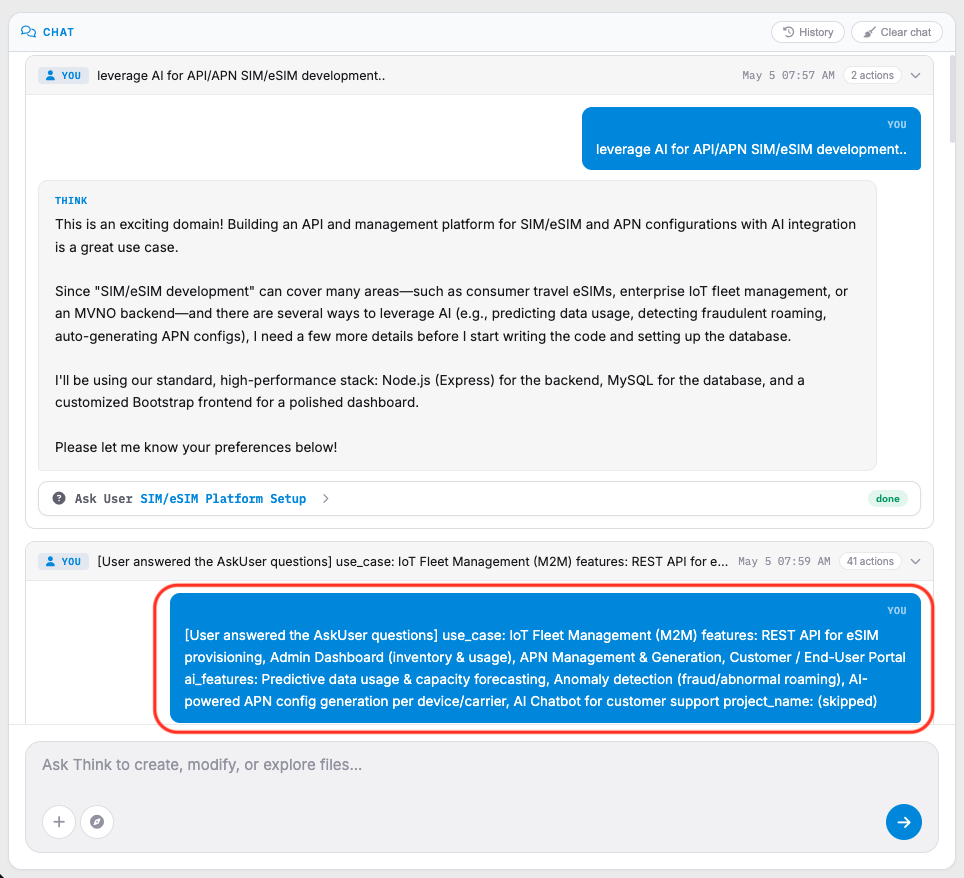
B. User Instructions#
User requests appear as highlighted in blue instruction blocks.
Typical requests may include:
- Reviewing route files
- Fixing export mismatches
- Restarting applications
- Running automated tests
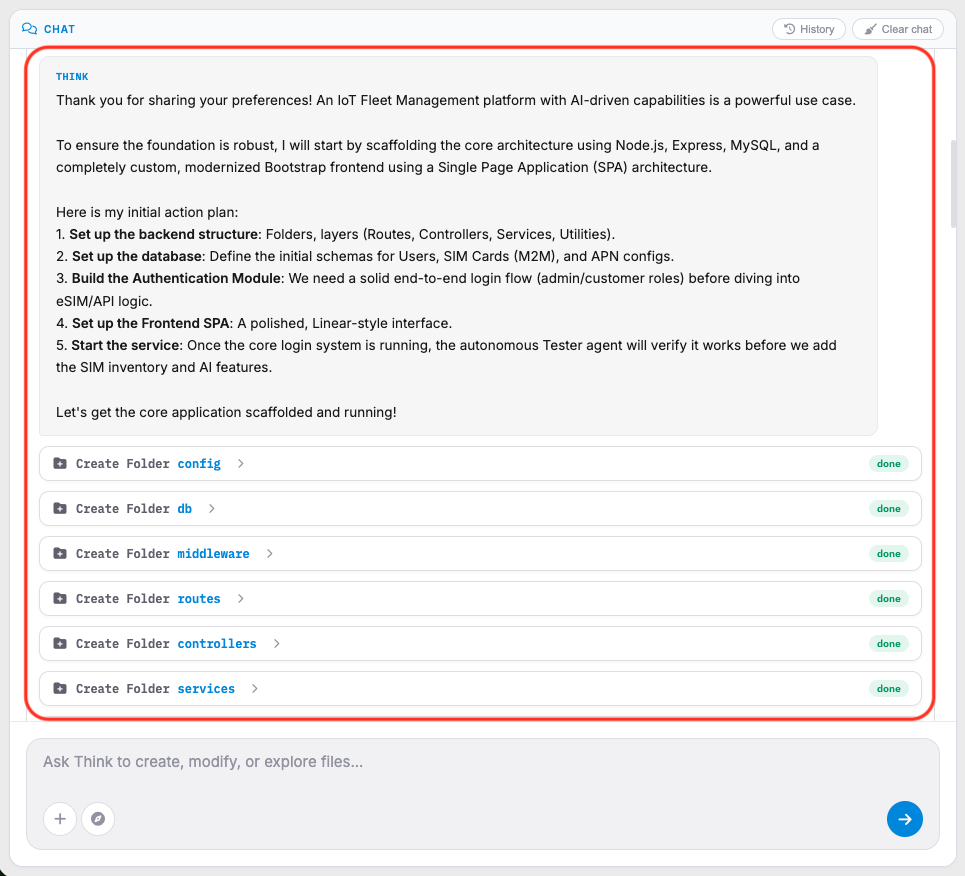
C. AI Responses#
AI-generated responses provide analysis, findings, and recommended actions.
 Click to enlarge
The assistant may:
- Review project files
- Analyze logs
- Detect coding issues
- Recommend fixes
- Perform troubleshooting
D. Task Status Indicators#
Status labels display the progress of AI tasks.
Common statuses:
- Done
- Running
- Review
E. AI Command Input#
Located at the bottom of the AI panel.
Users may enter commands or requests such as:
- Create files
- Modify source code
- Explore project structure
- Investigate errors