
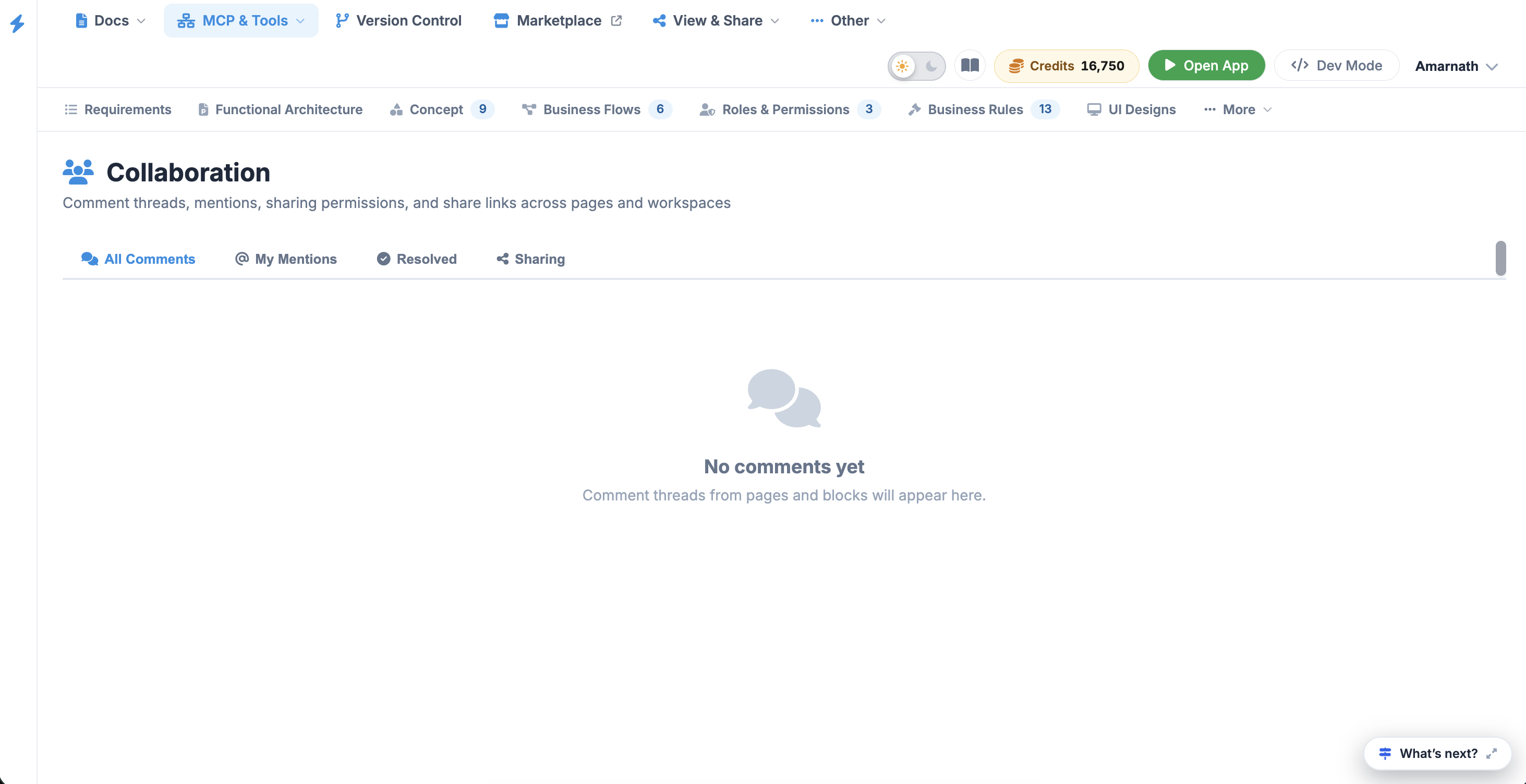
Collaboration
The Collaboration module is the communication engine of the platform. It centralizes all discussions, feedback loops, and shared permissions across your pages and workspaces, ensuring that team members can interact without leaving the project environment.
The dashboard is organized into four key areas to manage and monitor your connection:
- Connection: The primary setup tab used to link your project to a Jira Cloud instance.
- Field Mapping: Define how data points in this platform (e.g., Priority, Tracker) correspond to specific Jira fields.
- Sync Status: A real-time monitor showing the health of the connection and the timing of the last successful synchronization.
- Synced Issues: A dedicated list of all entries currently being tracked in both systems.
 Click to enlarge
Connecting to Jira Cloud#
To establish the link for the first time:
- Navigate to the Integrations section in the left sidebar and select Jira.
- Click the purple Connect Jira button in the center of the screen.
- Follow the authentication prompts to authorize the connection with your Jira Cloud credentials.
- Once connected, you will be able to select the specific Jira project you wish to sync with this workspace.
Managing Bi-Directional Sync#
The integration is designed to work both ways:
- Platform → Jira: When you create a new Issue or Task here, it can automatically generate a corresponding ticket in Jira.
- Jira → Platform: Updates made by external developers in Jira (such as changing a status from "In Progress" to "Done") will reflect back in your dashboard automatically.
Field & Status Mapping#
To ensure data integrity, use the Field Mapping tab to align workflows:
- Status Transitions: Map your internal statuses (e.g., Resolved) to Jira's workflow steps (e.g., Fixed).
- Priority Levels: Ensure that an Immediate priority here triggers the highest urgency level in Jira.
- Assignees: Link user profiles so that task ownership is preserved across both environments.
Benefits of Integration#
- Real-Time Collaboration: Your technical team can work in Jira while project managers and stakeholders monitor progress directly from the Knowledge & Feedback modules.
- Consolidated Reporting: View Jira-based task completion rates within your internal Analytics and Summary views.
- Single Source of Truth: Avoid version conflicts by ensuring that comments and attachments added in one system are visible in the other.
Note
For the integration to function correctly, ensure your Jira API tokens are active and that the connected user has "Write" permissions in the target Jira project.