
Data Objects
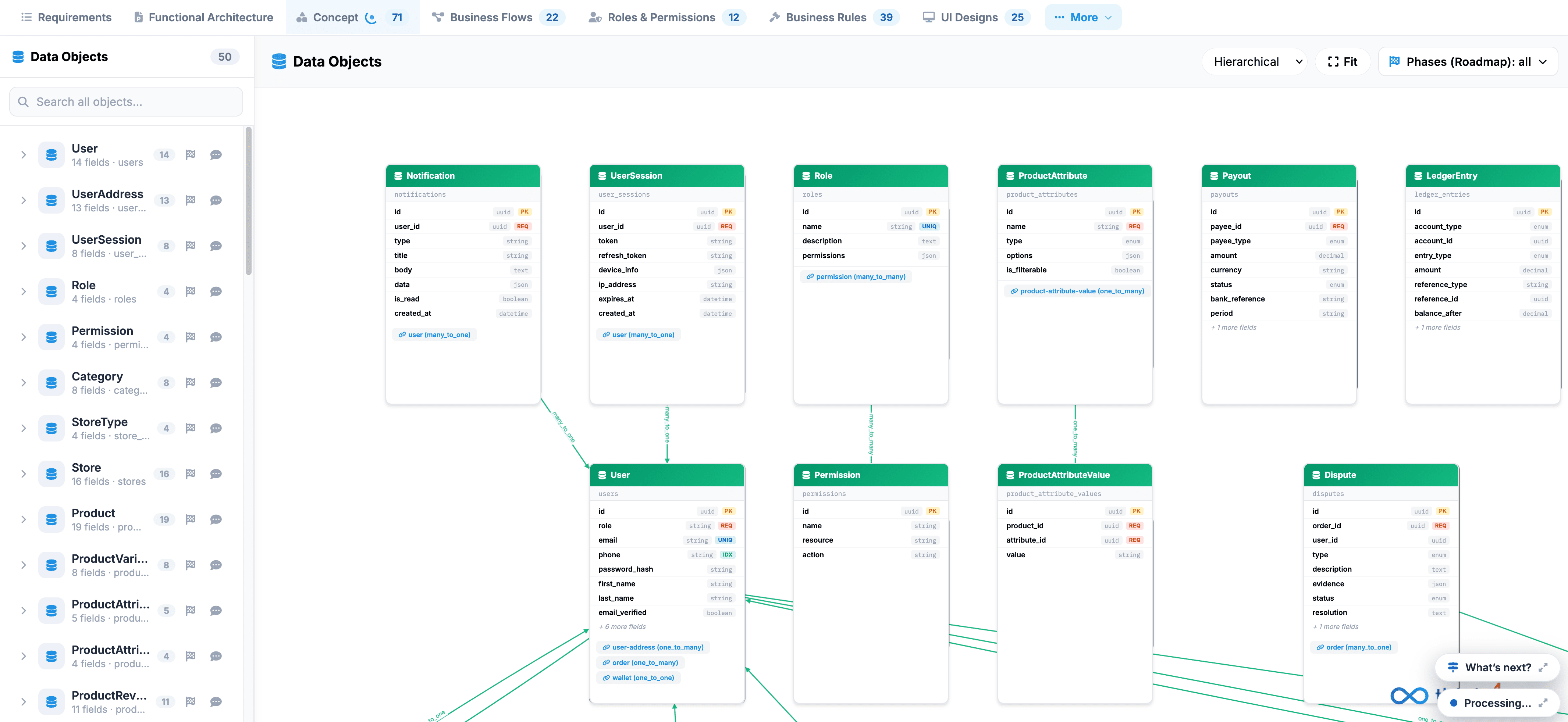
The Data Objects tab provides a visual database modeling and entity-relationship canvas that outlines all data schemas, entity fields, keys, and foreign-key dependencies across the system.
 Click to enlarge
Key UI Components#
- Data Objects Sidebar: Displays an itemized list of all 50 database entities (such as User, UserAddress, UserSession, Role, Permission, Category, Product, and LedgerEntry) complete with field counts and quick-search capability.
- Entity Schema Canvas: Interactive schema cards representing database tables and models:
- Entity Header: Identifies the object name (e.g., Notification, UserSession, Payout, Dispute).
- Field Attributes: Lists individual properties, data types (e.g., string, integer, boolean), primary keys (PK), and required constraints.
- Relationship Connectors: Visual lines illustrating relational mappings and foreign-key dependencies between tables.
- Canvas Toolbar: Top-right controls including a view layout selector (Hierarchical dropdown), Fit (re-center diagram), and a Phases (Roadmap) filter.
To inspect or edit any specific table schema, click its corresponding card directly on the canvas or select its entry from the sidebar list.