Theme
Our product offers a modern and responsive user interface with support for both Dark and Light (Daylight) modes, allowing you to choose the appearance that best suits your preferences and working environment.
By default, the application is set to Dark mode , providing a sleek and modern aesthetic that reduces eye strain. You can easily switch to Light mode for a brighter, high-contrast experience in daylight conditions.
 Click to enlarge
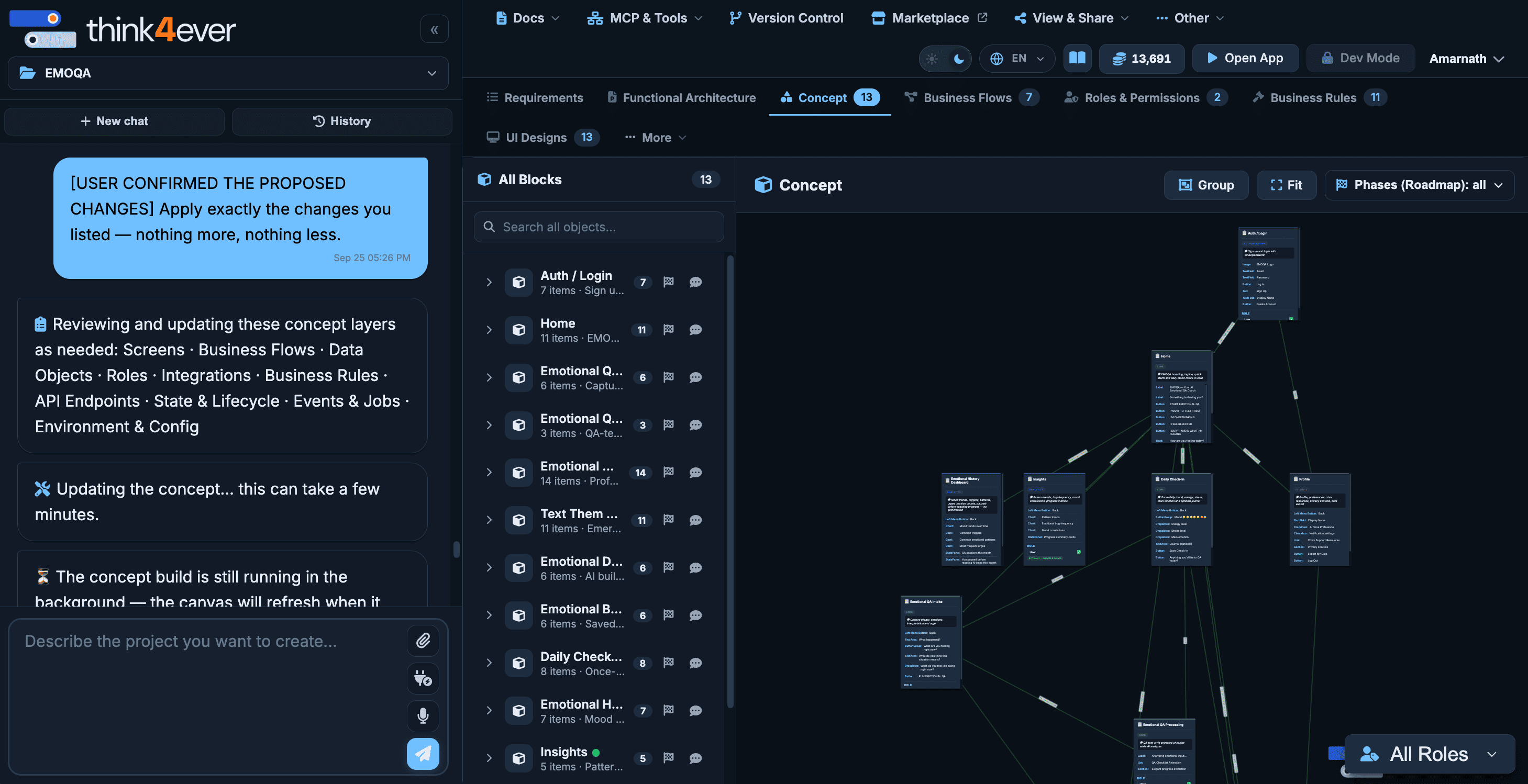
Dark Mode (Default)#
The default dark mode reduces eye strain and provides a sleek, modern look.
 Click to enlarge
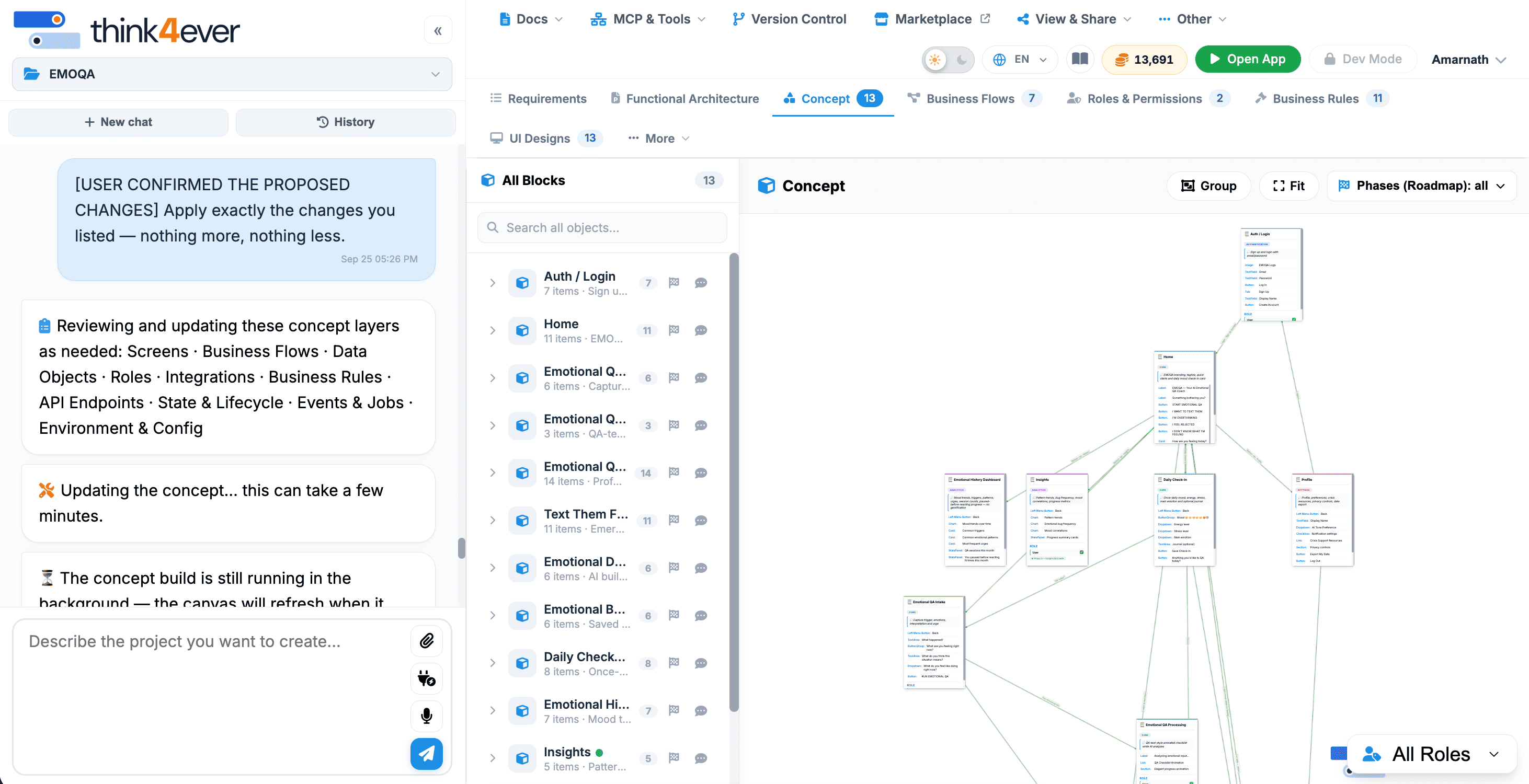
Light Mode#
The light mode offers high contrast and readability for daylight environments.
 Click to enlarge